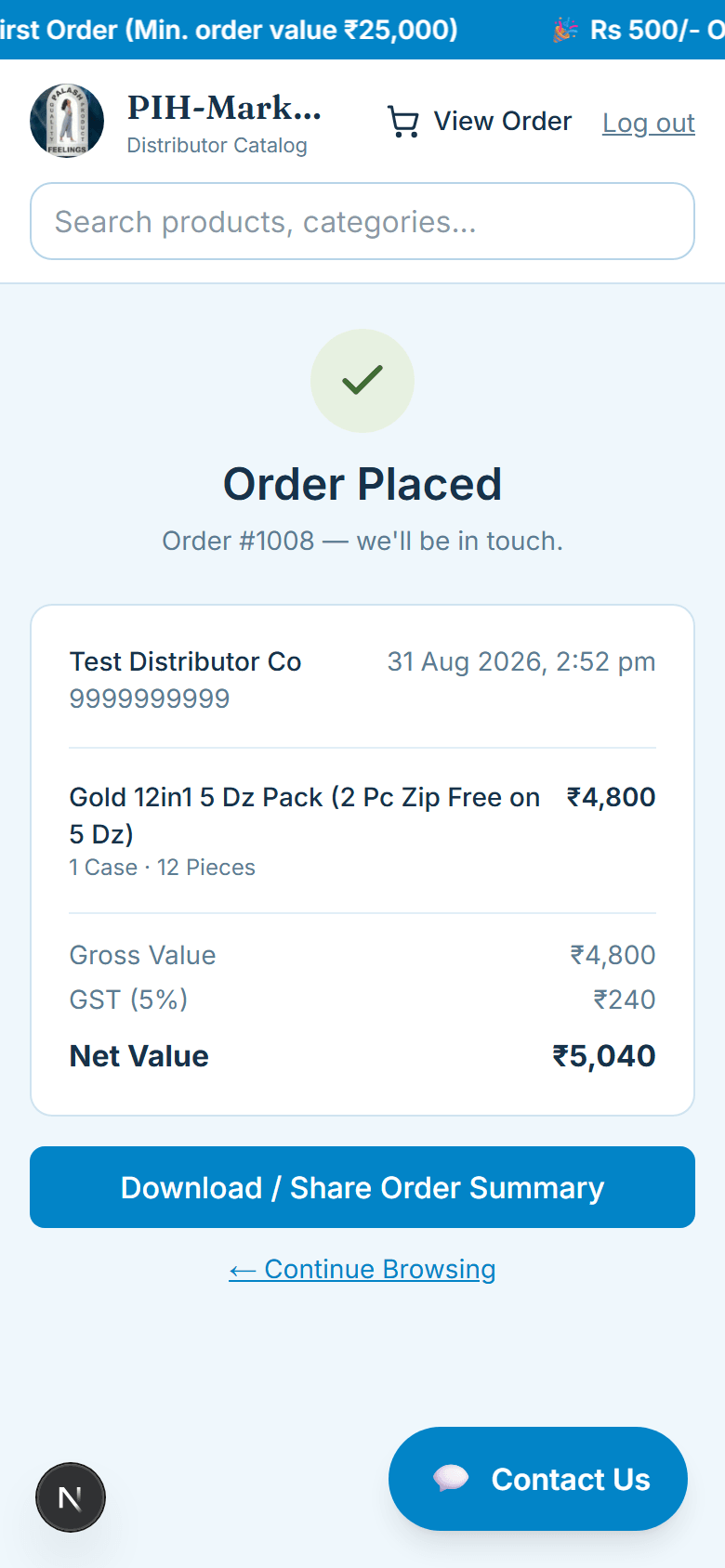
Swipe or tap through, step by step.
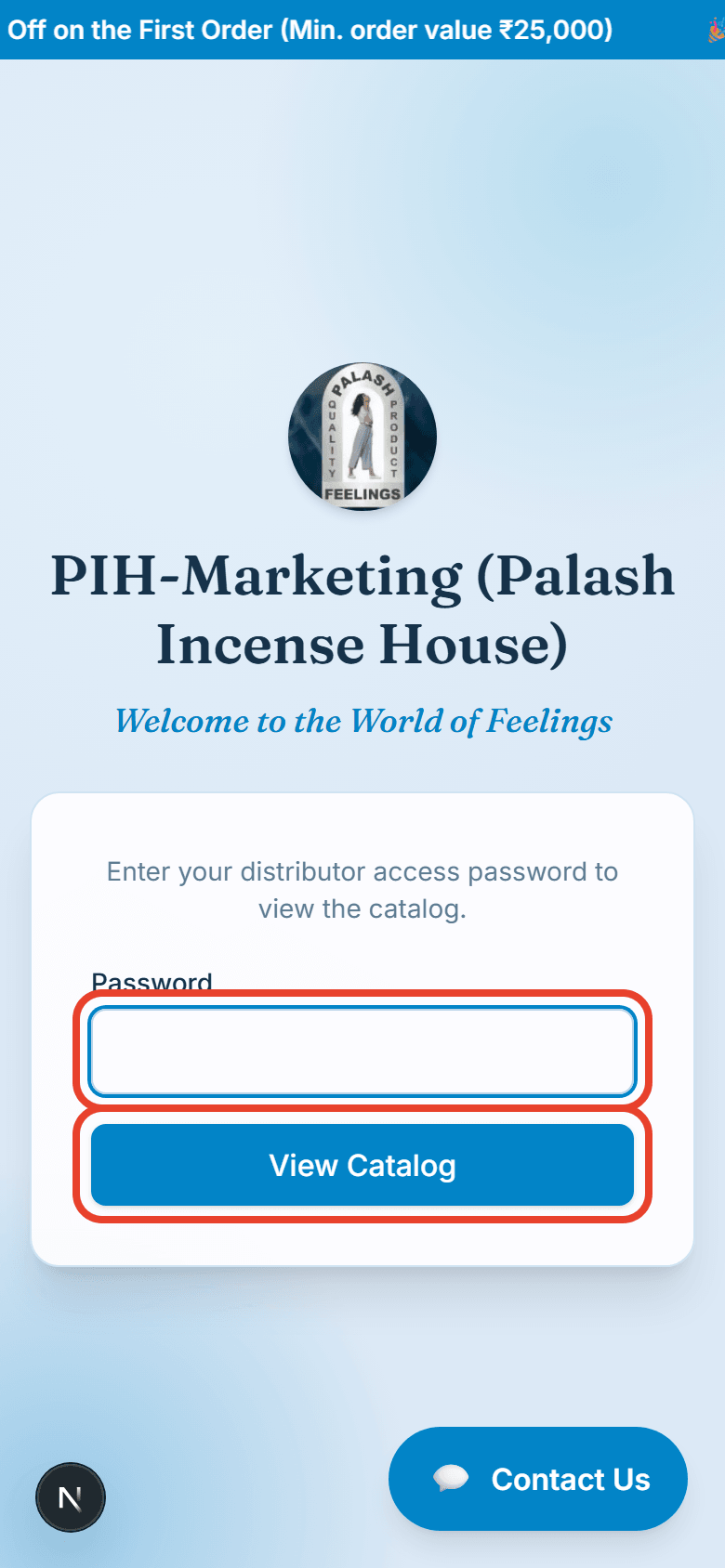
Enter the distributor password shared with you and tap View Catalog.
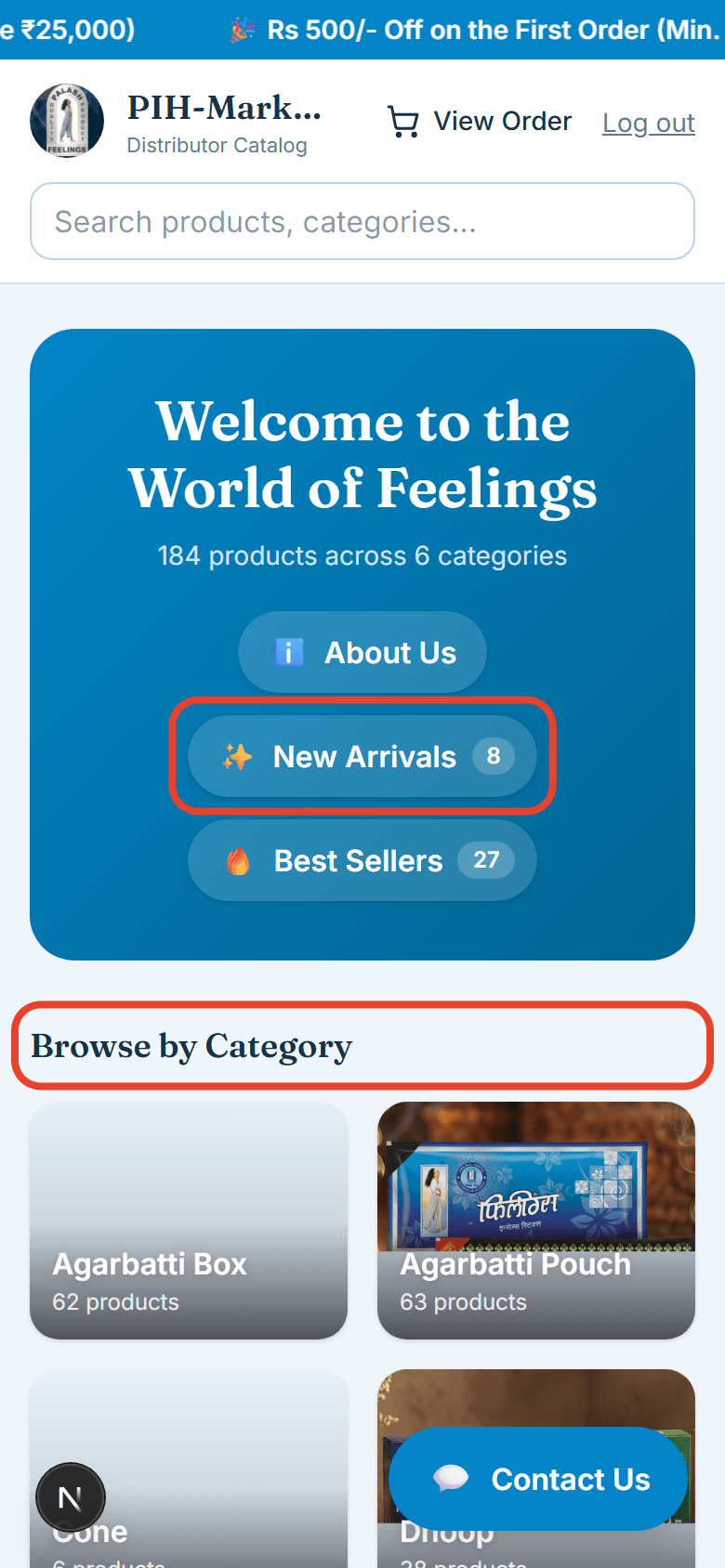
The home page shows every category. New Arrivals and Best Sellers are right at the top for quick access.
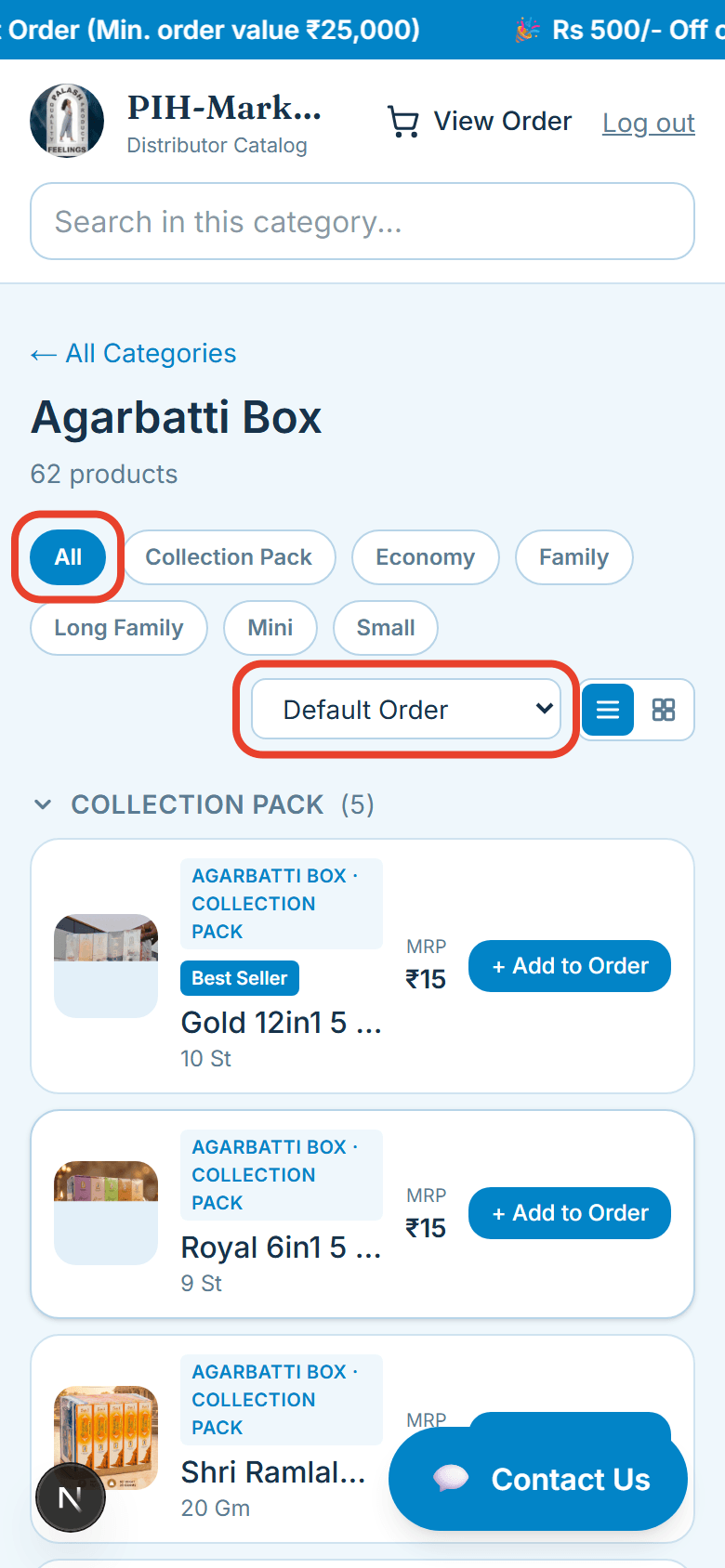
Inside a category, tap a sub-category to narrow the list, or use Sort and the List/Grid toggle.
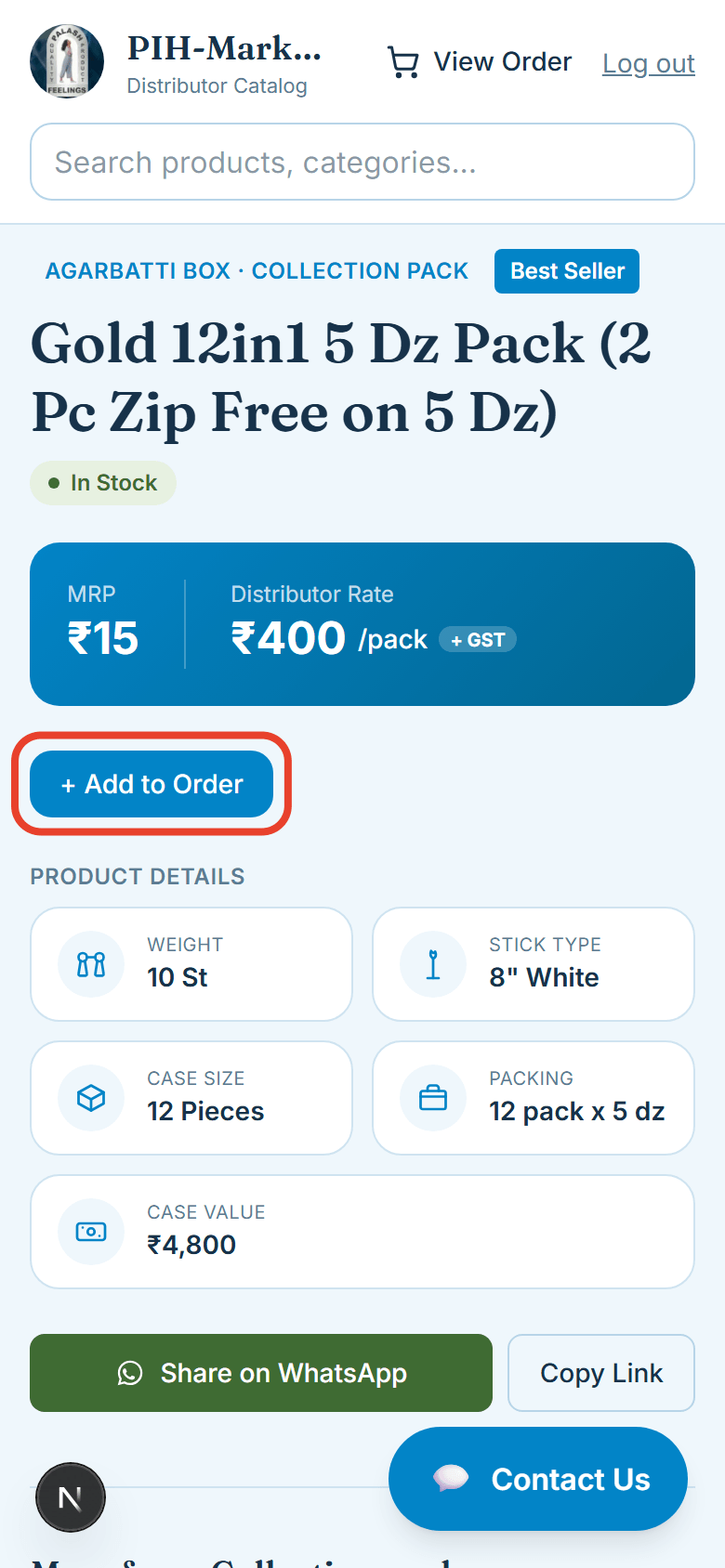
Tap any product to see its full details, price, and specifications.
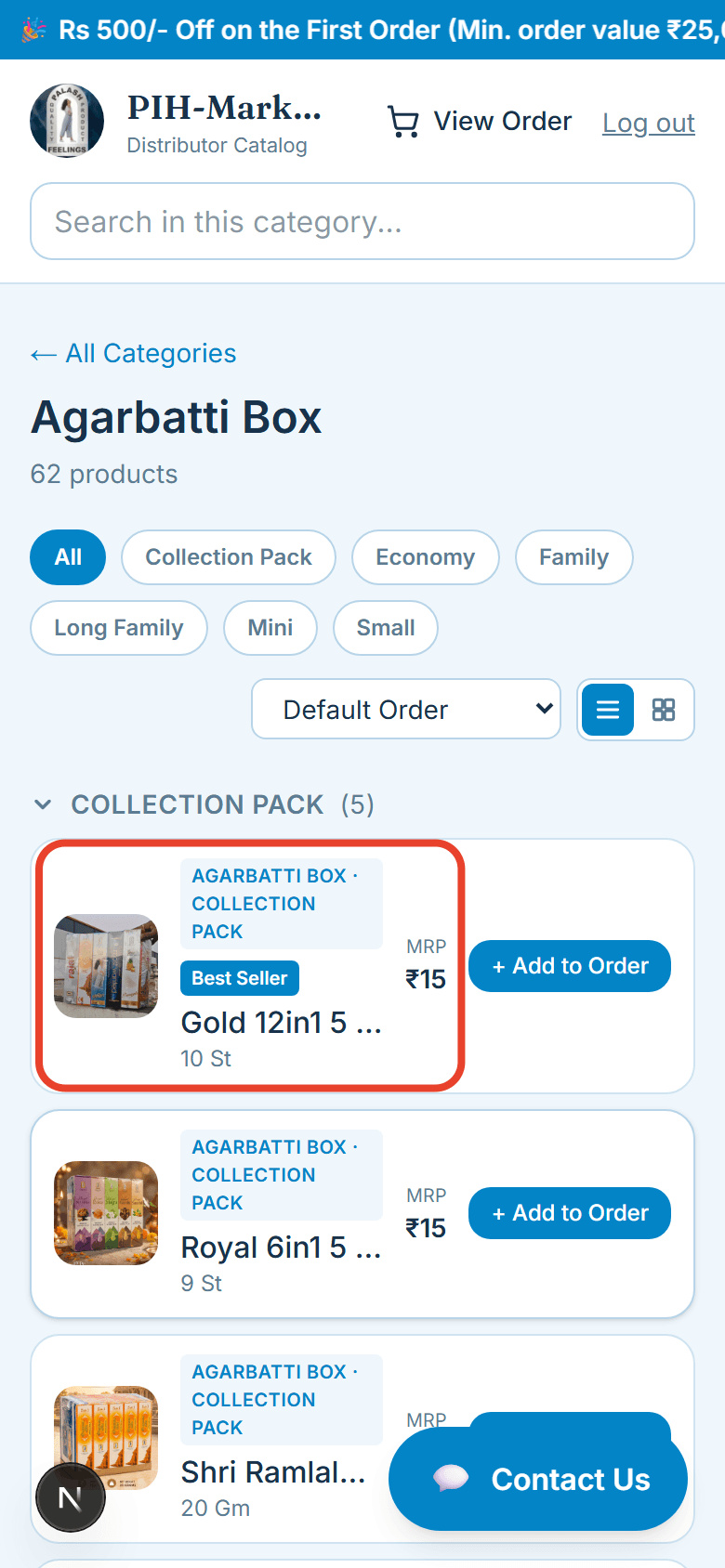
Tap + Add to Order to add the product.
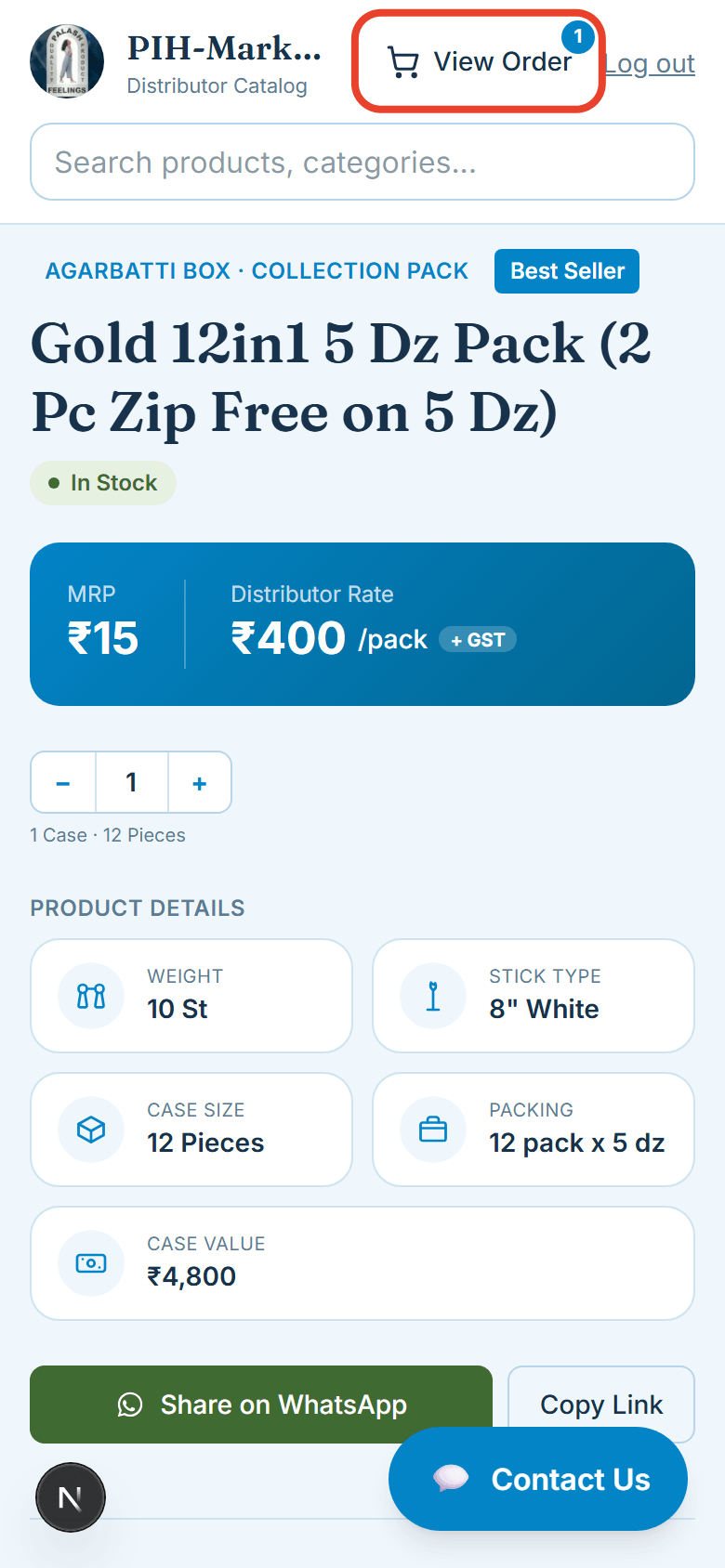
The View Order icon in the header always shows how many items are in your order.
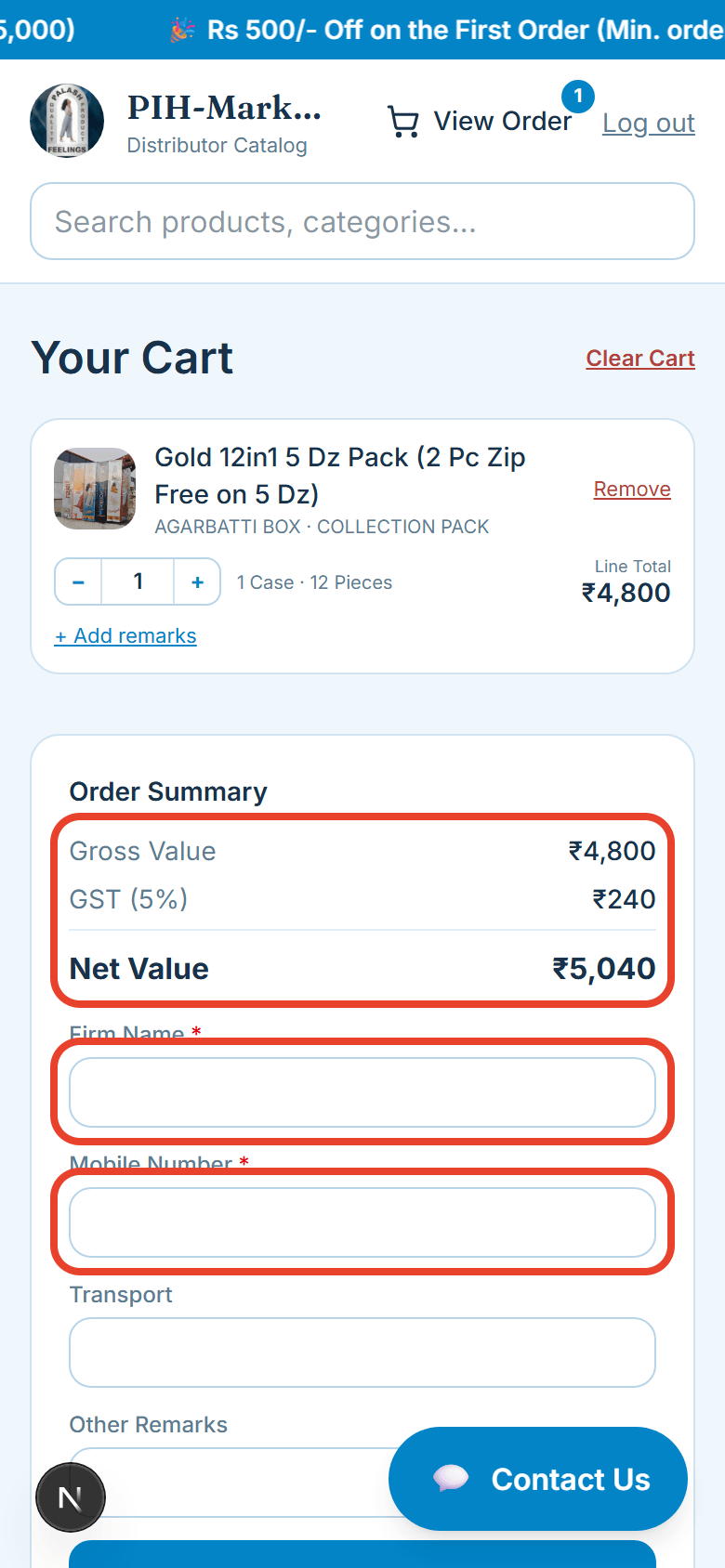
On the cart page, change the quantity anytime with + / −, and tap + Add remarks for any product-specific notes.
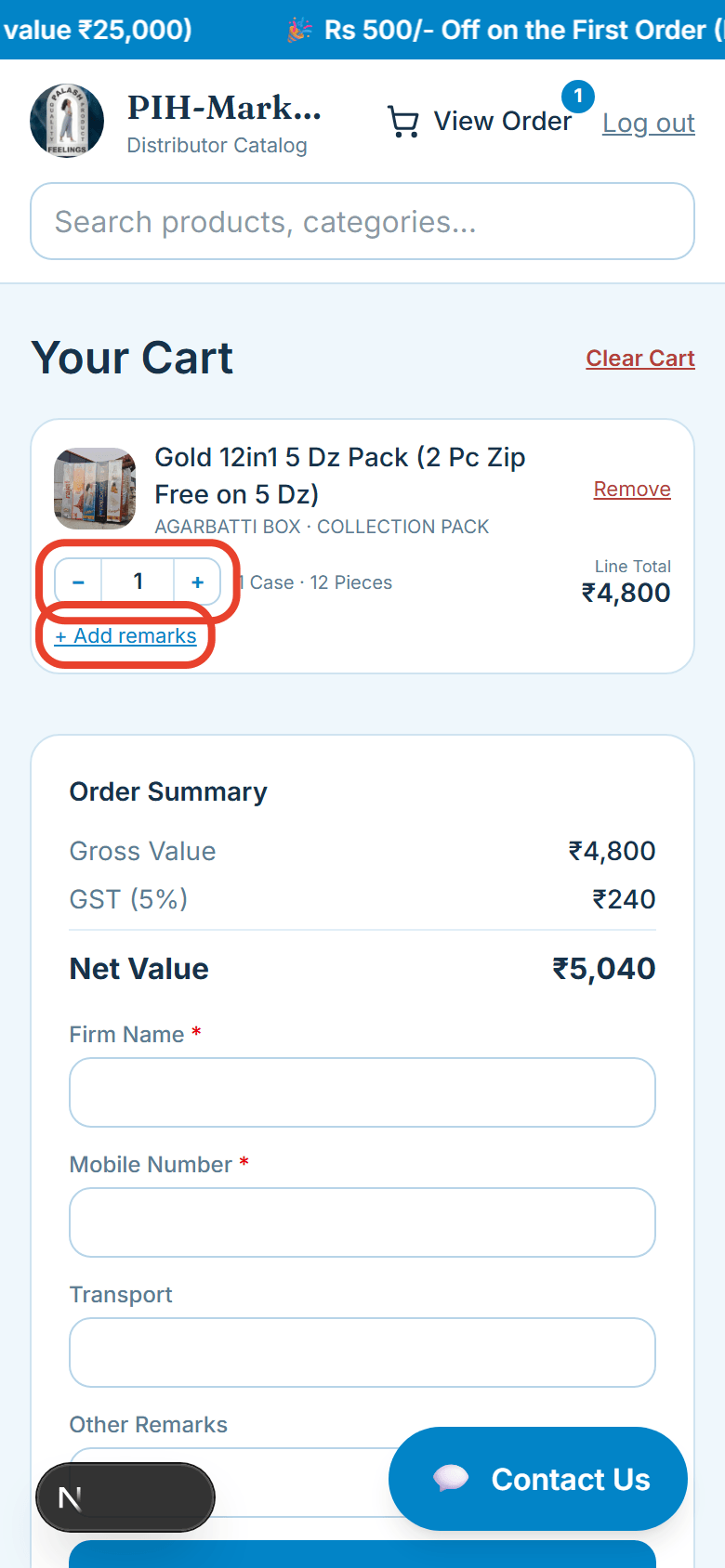
Review the Gross, GST, and Net value, then fill in your Firm Name and Mobile Number — both required.
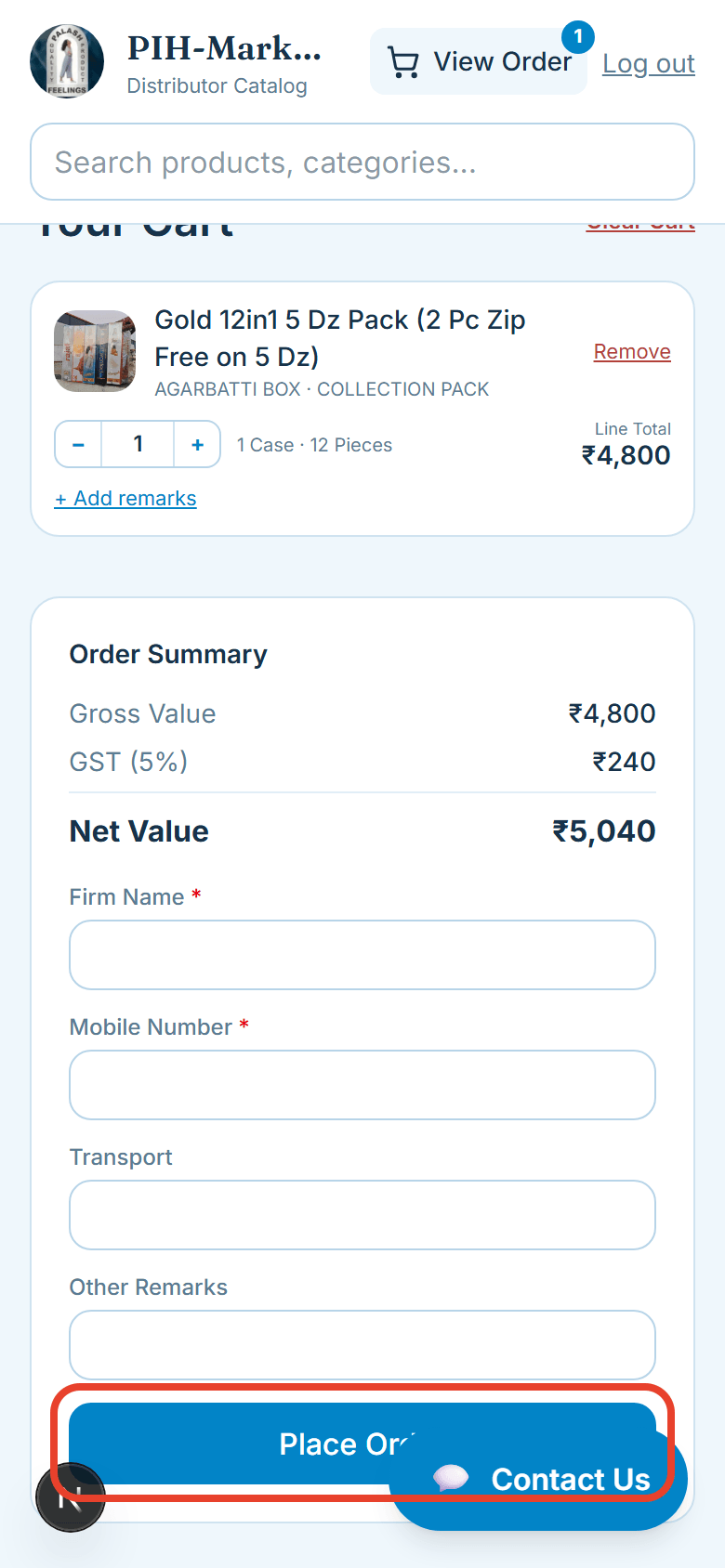
Once everything looks right, tap Place Order.
You’ll get your order number and a full summary — download it or share it directly on WhatsApp.